

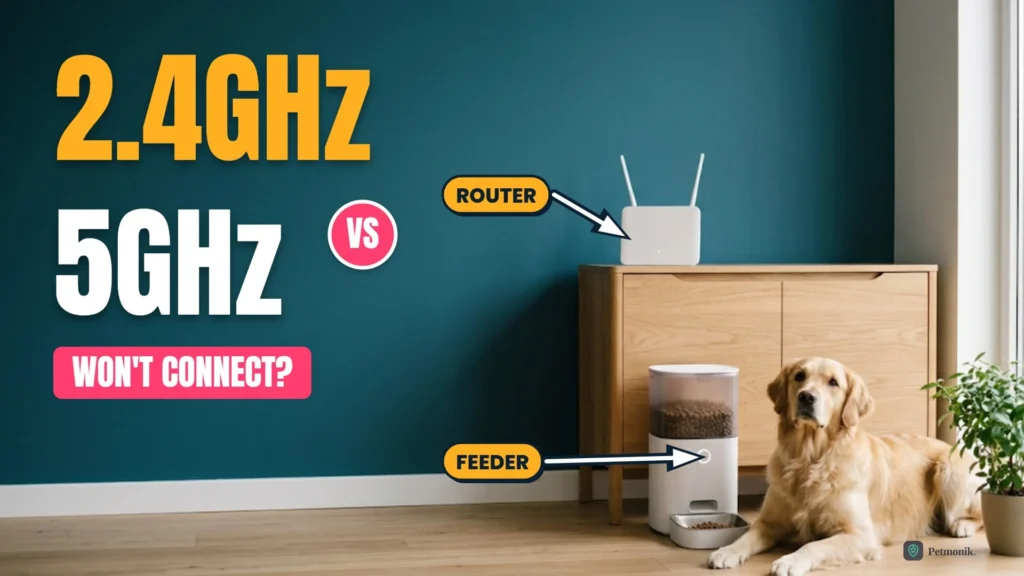
You paste in your Wi-Fi password, the app spins for a minute, and then it fails again: “Unable to connect.” Your phone is on the fast 5 GHz network, the router is two metres away, and the feeder still won’t join. The cause is usually the band, not the feeder. A 5GHz WiFi pet feeder connection is possible on some models, but many smart feeders only speak 2.4 GHz, and a router that hides the difference makes the problem look random. Below we break down which smart feeders support dual-band Wi-Fi versus 2.4 GHz only, why dual-band routers disrupt pairing, and how to configure your network cleanly.
Quick Summary: Will My Feeder Connect to 5G?
- Most feeders need 2.4 GHz. Petlibro’s Polar wet food feeder is documented as 2.4 GHz only, and PETKIT’s support page tells owners to use a 2.4 GHz network.
- Some newer models list both bands. Petlibro’s Granary (PLAF103) lists 5 GHz and 2.4 GHz, so check your model before assuming either way.
- The router is the usual culprit. When one network name covers both bands, the app and the feeder can end up on different ones.
- Fastest fix: temporarily split the bands into two network names, join your phone to the 2.4 GHz one, then pair the feeder.
Table of Contents
Why Smart Feeders Often Won’t Connect to 5G
Wi-Fi runs on two common bands, and they trade range for speed. At the same transmit power, lower-frequency 2.4 GHz waves travel farther and penetrate walls far better than 5 GHz signals, which matters for compact IoT radios. Dedicated 2.4 GHz chipsets also cost less and use less standby power, while smart sensors and feeders transmit small packets that never need 5 GHz bandwidth.
A feeder fits the same pattern. It sends short status messages and receives feeding commands, and it usually sits in a kitchen or utility room, one of the hardest places for a 5 GHz signal to reach. A camera feeder streams video, which is where a faster band can help, and that may be why some camera models now list both bands.
| 2.4 GHz | 5 GHz | |
|---|---|---|
| Range and walls | Travels farther and passes through walls better | Shorter range, weaker through walls |
| Speed | Slower peak speed | Faster data transfer |
| Hardware cost | Cheaper radio hardware | More expensive radio hardware |
| Fit for a feeder | Enough for commands and status; the default for most feeders | Useful for video; supported only on some models |
| Crowding | Only three non-overlapping channels (1, 6, 11 in North America), plus Bluetooth and neighbour interference | Check a Wi-Fi analyser app for your own environment |
Comparison of 2.4 GHz and 5 GHz radio trade-offs for smart pet devices. Real-world range depends on wall materials and local channel congestion.
Which Pet Feeders Support 5GHz Wi-Fi?
Wi-Fi chipset support varies by model and hardware generation:
| Feeder | Supported Wi-Fi Band | Pairing Notes |
|---|---|---|
| Petlibro Granary (PLAF103) | Dual-band (2.4 GHz & 5 GHz) | Supports both bands on Wi-Fi and Camera editions |
| Petlibro Polar Wet Food Feeder | 2.4 GHz only | Will not detect or join 5 GHz SSIDs |
| Petlibro Air Smart Feeder | 2.4 GHz | Pair and reconnect on a dedicated 2.4 GHz SSID |
| PETKIT YumShare Dual-hopper (P591) | 2.4 GHz only | First-generation P591 radio is single-band |
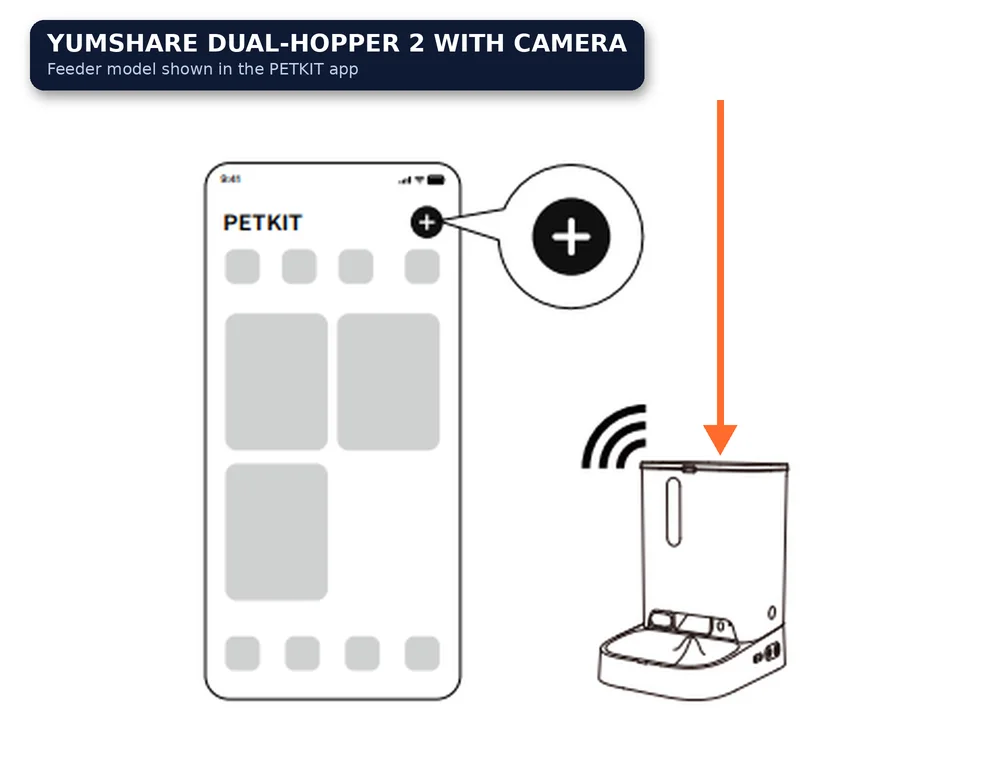
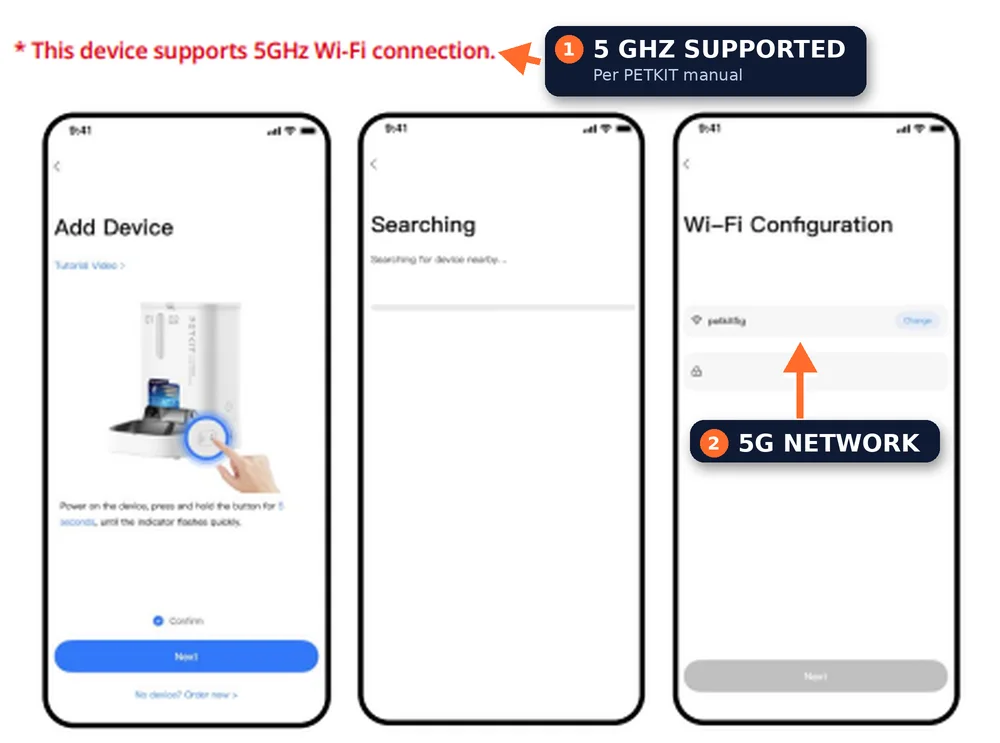
| PETKIT YumShare Dual-hopper 2 with camera | Dual-band (2.4 GHz & 5 GHz) | Updated camera radio supports 5 GHz app binding |
| PETKIT YumShare Solo 2 | Dual-band (2.4 GHz & 5 GHz) | Verify exact sub-model code on base label |
Brands change specs between revisions, so the model number on the underside of your feeder matters more than the product name.
Why a Dual-Band Router Makes It Worse
Most routers broadcast both bands under a single network name and move devices between them automatically (often called band steering). That works smoothly for phones and laptops, but causes pairing timeouts on single-band IoT hardware. During pairing, your phone may sit on 5 GHz while the feeder only sees 2.4 GHz, or the router may push the feeder to a band it cannot use. Petlibro’s own support pages recommend splitting dual-band networks into different names for this reason.
- Pairing fails at the last step. The phone and feeder are on different bands, so the app cannot find the device.
- Connection drops later. The router moves the feeder to a band it handles badly.
- Only the feeder fails. Other devices on your network stay online, because they tolerate band changes.
For the other half of the problem, see our guide to the Petlibro RFID feeder setup and troubleshooting, which covers pairing delays.
How to Fix a 5GHz WiFi Pet Feeder Connection Problem
Work through the steps below in order. They keep your normal 5 GHz network intact for everything else.