

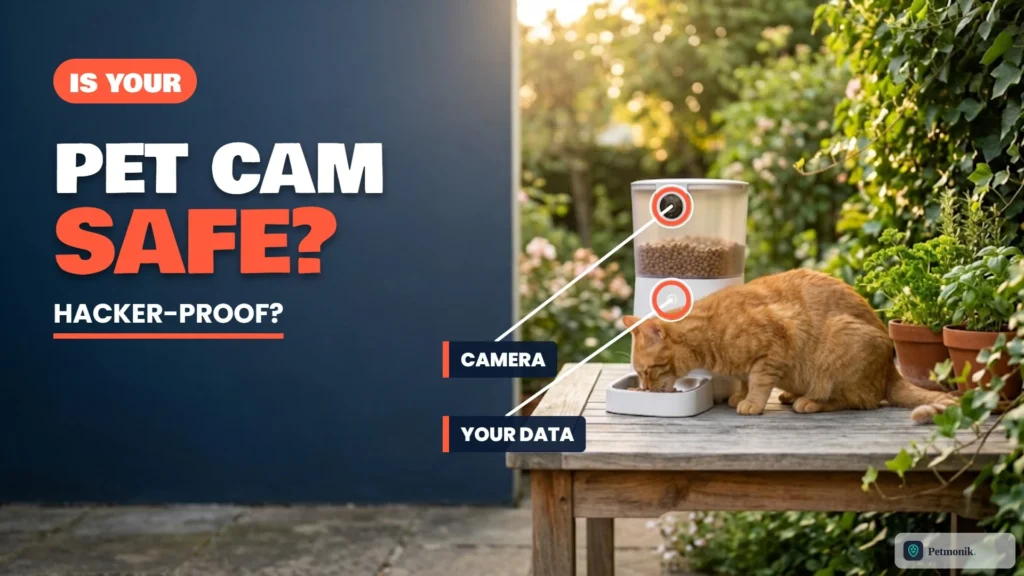
The camera on your smart feeder watches your living room while you are at work. It also sits on a cloud account that holds your email address, your Wi-Fi-connected devices and live video. So the question behind smart pet feeder camera privacy is not whether it is creepy, but whether someone else could get in. The answer stopped being theoretical when a security researcher reported flaws in the Petlibro platform that, by their account, let an attacker see other users’ pet data and, on camera models, reach the video stream. Below we break down the disclosed CVE-2025-3653 findings, how major smart-feeder ecosystems handle cloud encryption and account access, and the practical lock-down steps that shrink your exposure.
Quick Summary: Are Smart Pet Feeders Safe From Hackers?
- Real flaws have been reported. A researcher disclosed account and access-control problems in the Petlibro platform, and a related flaw is catalogued as CVE-2025-3653 in the US National Vulnerability Database.
- Brands say they fixed them. Reports say Petlibro fixed most issues by early December, though old app versions kept working for weeks.
- No pet camera is risk-free. Treat any cloud camera as something that could be exposed.
- You can cut your risk. Use a strong unique password, enable updates, share access carefully and turn off remote viewing if you do not need it.
What Actually Happened: The Petlibro Vulnerability Reports
According to a write-up from Red Hot Cyber, an independent researcher reported several flaws in Petlibro’s ecosystem on November 5, 2025, and published the findings on December 30, 2025. The issues described were:
- Authentication bypass. The server reportedly did not validate OAuth tokens and trusted client-provided data, so sessions for other accounts could be obtained using public identifiers.
- Weak access controls. Pet profiles, including name, birth date, weight and photos, could be fetched by ID without an ownership check.
- Device control. The report says an attacker could change settings, trigger feedings, manage schedules and, on camera models, reach the video stream.
- Predictable voice message IDs. Audio files could be accessed without permission.
- Insecure sharing. An attacker could add themselves as a shared owner of someone else’s device.
The US National Vulnerability Database separately lists CVE-2025-3653 for the Petlibro Smart Pet Feeder Platform, versions up to 1.7.31. It describes a flaw where the system accepts arbitrary serial numbers without checking ownership. NIST scored it 9.8 (critical), while VulnCheck scored it lower, between 6.9 and 7.3, so the severity depends on who you ask. On the fix, the Red Hot Cyber report says the main authentication flaw stayed active for more than two months for compatibility reasons, and that by December 4 Petlibro reported fixing most of the issues.
Always run the latest Petlibro mobile app and feeder firmware so patched server-side authentication checks are enforced on your account.
What Brands Say About Their Own Security
| Brand | Security Architecture & Disclosures | What it does not tell you |
|---|---|---|
| PETKIT | Its support page says it cannot view user videos, and that videos are encrypted and cloud storage is safe. | No independent audit; no detail on who can access footage in exceptions |
| Petlibro | Reported to have fixed most reported issues by December 4, per the Red Hot Cyber write-up. | Whether older devices and apps are fully protected |
| Others (Petcube, etc.) | Independent privacy reviews, such as Mozilla Foundation’s Privacy Not Included, exist for some pet cameras. | Not a review of every feeder |
A company statement that it cannot see your video is a claim about its policy and design, not proof that nobody else can reach it. Treat it as a starting point and judge a brand by how it responds when flaws are found.
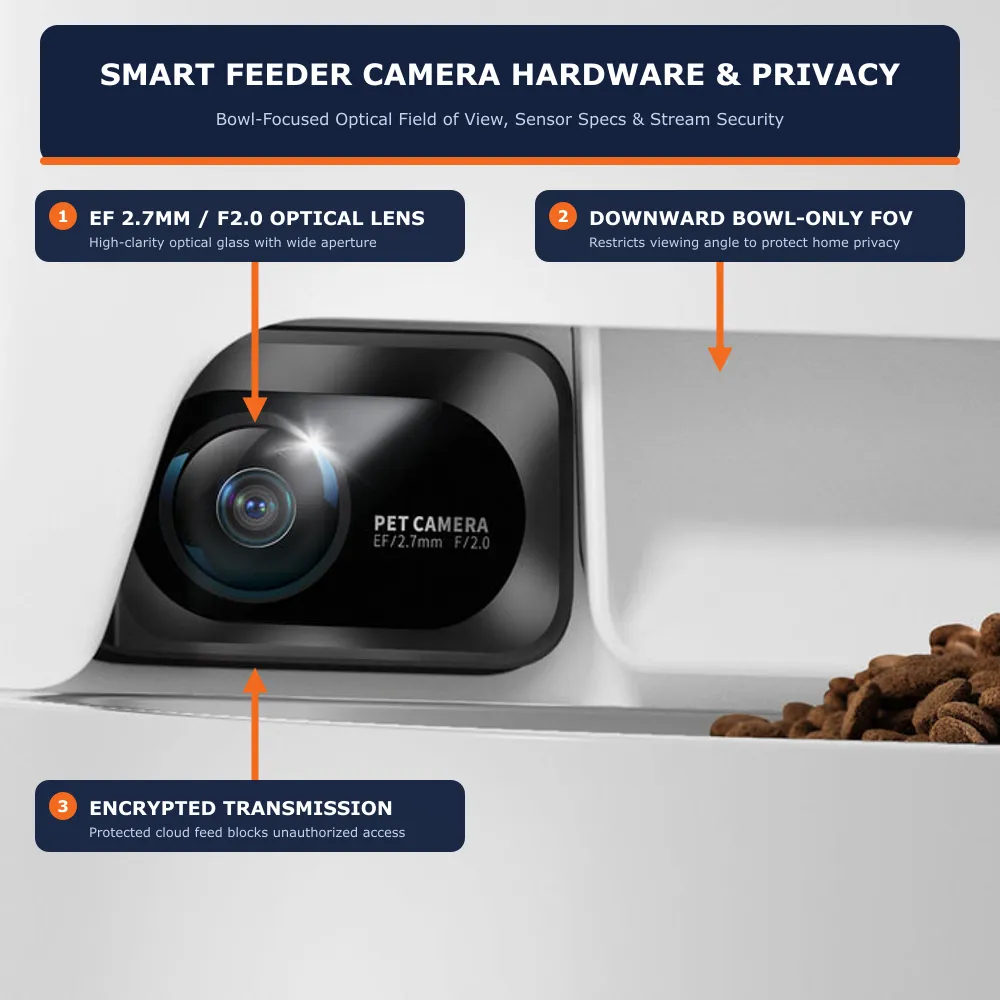
The Real Risks of an Internet-Connected Pet Camera
Stolen or Reused Passwords
If you reuse a password from another site that has been breached, an attacker can try it on your pet app. That is far more common than a clever exploit.
Server-Side Flaws You Cannot Fix
The Petlibro reports describe problems on the company’s side of the connection. Your strong password would not have stopped them. Your protection here is the vendor patching quickly and you installing updates.
Over-Shared Access
Family and pet-sitter shares are useful, but each one is another login. Old shares to a former sitter or ex-partner are an easy way to leak a camera view.
What Is Exposed
- Live video and audio from inside your home.
- Pet profile data, including photos and weight.
- Your feeding schedule, which can show when you are away.
- Account details tied to your email.
How to Secure a Smart Pet Feeder With a Camera
The UK National Cyber Security Centre gives three basic steps for smart cameras: replace default passwords with strong ones (it suggests three random words), keep software up to date, ideally with automatic updates, and turn off internet access to the camera if you do not need remote viewing. Beyond that, apply these:
- Use a unique password for the pet app, not one you use elsewhere.
- Turn on two-factor authentication if the app offers it. Not every pet app does, so check.
- Update the app and the feeder firmware whenever a new version appears. Remove any old app version you no longer use.
- Audit shared users. Remove anyone who no longer needs access.
- Place the camera thoughtfully. Point it at the feeding area, not a bedroom or a desk with documents.
- Use the physical privacy options if your model has a lens cover or a camera-off setting.
- Put smart devices on a guest network if your router supports it, so a compromised gadget is separated from your computers.
- Disable remote viewing if you only need scheduled feeding.
If your feeder keeps dropping offline after you change network settings, our guide to pet feeder Wi-Fi band problems can help you reconnect it safely.
Camera Feeder or No Camera: Weighing the Trade-Off
| Setup | Privacy exposure | What you give up |
|---|---|---|
| Feeder without a camera | Lower: schedule and account data only | No visual check that food was eaten |
| Camera feeder, remote viewing on | Highest: live video is available through the cloud | Nothing, but the risk is greatest |
| Camera feeder, remote viewing off or limited | Moderate: depends on the model and settings | Live check-ins while away |
| Separate camera plus plain feeder | Splits the risk across two accounts | More setup and two apps |
For many households, the honest choice is whether the peace of mind of watching your pet is worth an always-on camera. Our feeder, camera and fountain bundle guide covers the options for solo travelers who do want video.
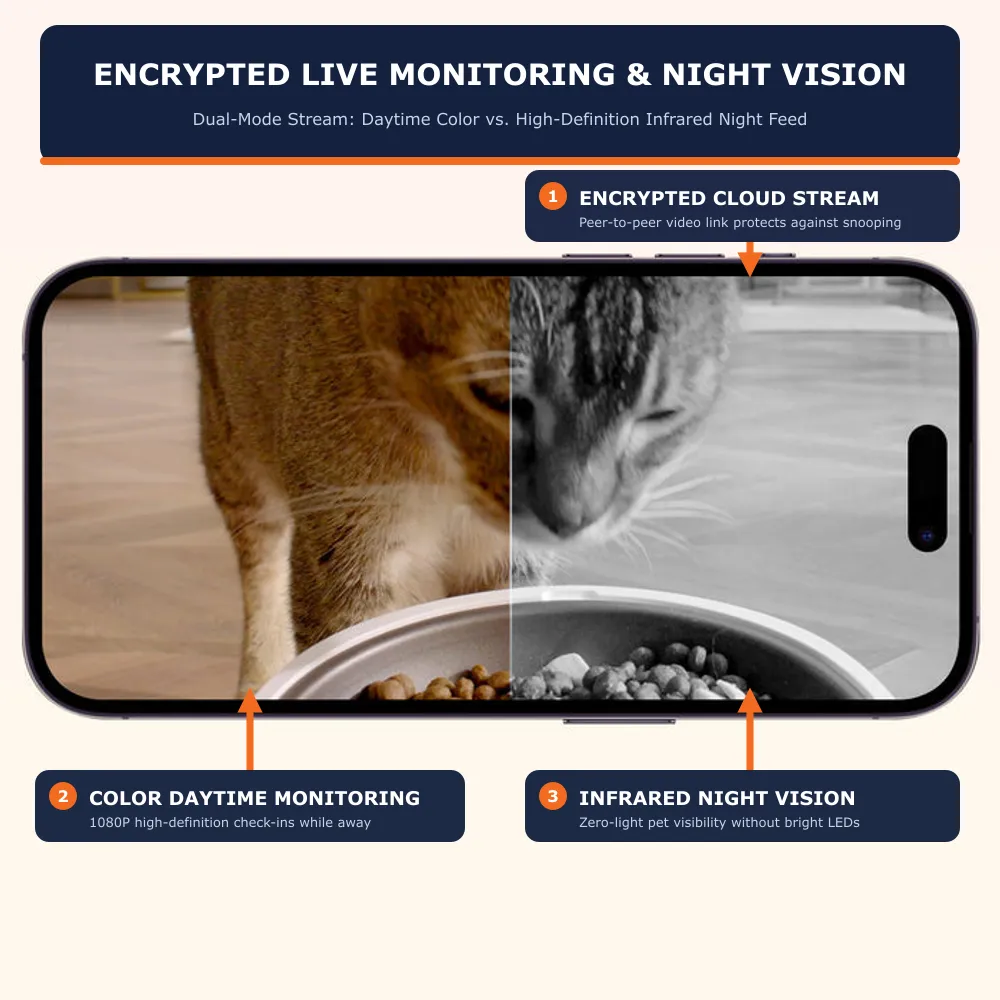
What to Look For Before You Buy
- A published security or vulnerability policy, and a history of fixing reported flaws.
- Regular app and firmware updates.
- Two-factor authentication support.
- Clear data policy saying where video is stored and who can access it.
- Local or encrypted storage options and the ability to delete recordings.
- A hardware privacy shutter or an off switch for the camera.
What to Do If You Think Your Account Was Accessed
- Change your password immediately and sign out of all devices if the app allows.
- Remove every shared user and re-add only the ones you trust.
- Look for feedings or schedule changes you did not make.
- Update the app and firmware, and contact the brand’s support.
- Change the password on any other account that shared the same one.
If you are weighing brands, our PETKIT YumShare vs Petlibro ONE RFID comparison and Petlibro RFID feeder setup guide cover the setup of two popular connected feeders.
The bottom line: smart feeders are not uniquely insecure, but the Petlibro reports show that a connected camera is only as safe as the company’s servers and your own habits. You cannot fix the former, so pick brands that patch fast, and control the latter with a unique password, updates, tidy sharing and a camera pointed only where it needs to be. Petmonik will update this guide as brands publish security notices.
Frequently Asked Questions
Can smart pet feeders be hacked?
Yes, in principle, like any internet-connected device. Security researchers have reported access-control and authentication flaws in the Petlibro platform, which the company reportedly fixed in large part by early December.
Can someone watch my pet camera feed?
If an account or server is compromised, yes. The Petlibro reports say camera models were exposed to video access before fixes. A strong unique password, updates and limited sharing reduce the risk.
Is PETKIT or Petlibro safer for privacy?
Neither brand publishes independent third-party security audits. PETKIT states that user video streams are encrypted and inaccessible to staff, while Petlibro patched publicly disclosed API access flaws in late 2025. On either platform, keep firmware updated and use a unique password.
How do I make my pet feeder camera more secure?
Use a unique password, turn on two-factor authentication if offered, update the app and firmware, remove old shared users, point the camera away from private areas and turn off remote viewing if you do not need it.
Should I choose a feeder with or without a camera?
If you do not need to watch your pet, a feeder without a camera exposes less. If you want video, pick a brand with a clear security policy and keep remote access locked down.
What is CVE-2025-3653?
It is a catalogued vulnerability in the Petlibro Smart Pet Feeder Platform, versions up to 1.7.31, where serial numbers were accepted without an ownership check. NIST rated it 9.8 critical.