

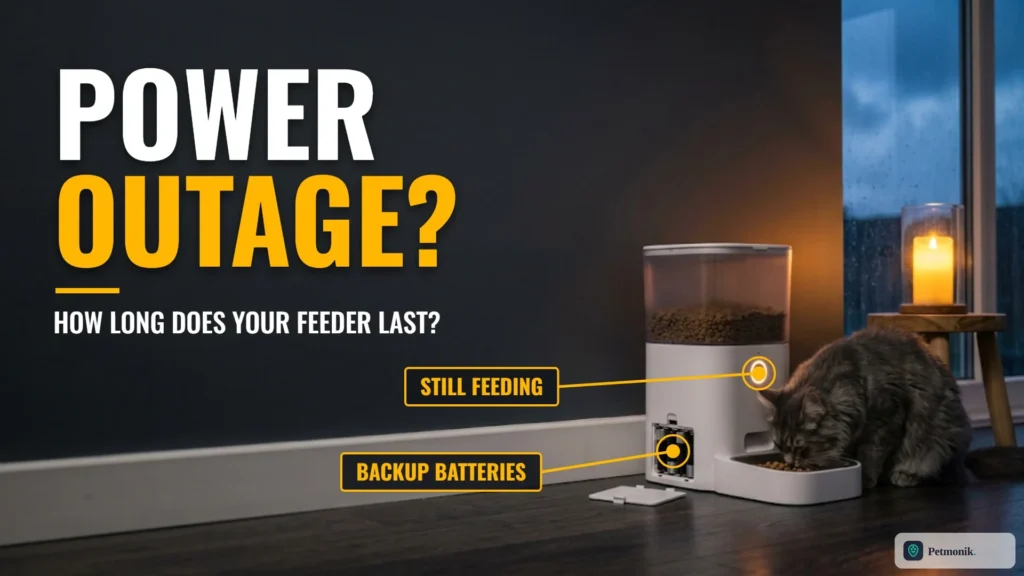
A storm knocks out the power at 2 p.m. You are at work, and the only thing between your cat and a missed dinner is a feeder with a battery compartment you may or may not have filled. How long will it hold? That is the real smart feeder battery backup time question, and the answer is less precise than the box suggests. Brands publish very different claims: one says seven days, one says over three, one gives no figure at all. This guide puts the published numbers side by side, explains what stops working on battery, and gives you a plan so an outage does not become a missed-meal problem. Below we compare emergency battery capacities across popular smart feeders, explain which features shut down during a blackout, and show how to verify failover before you leave home.
Quick Summary: How Long Do Smart Feeder Batteries Last in an Outage?
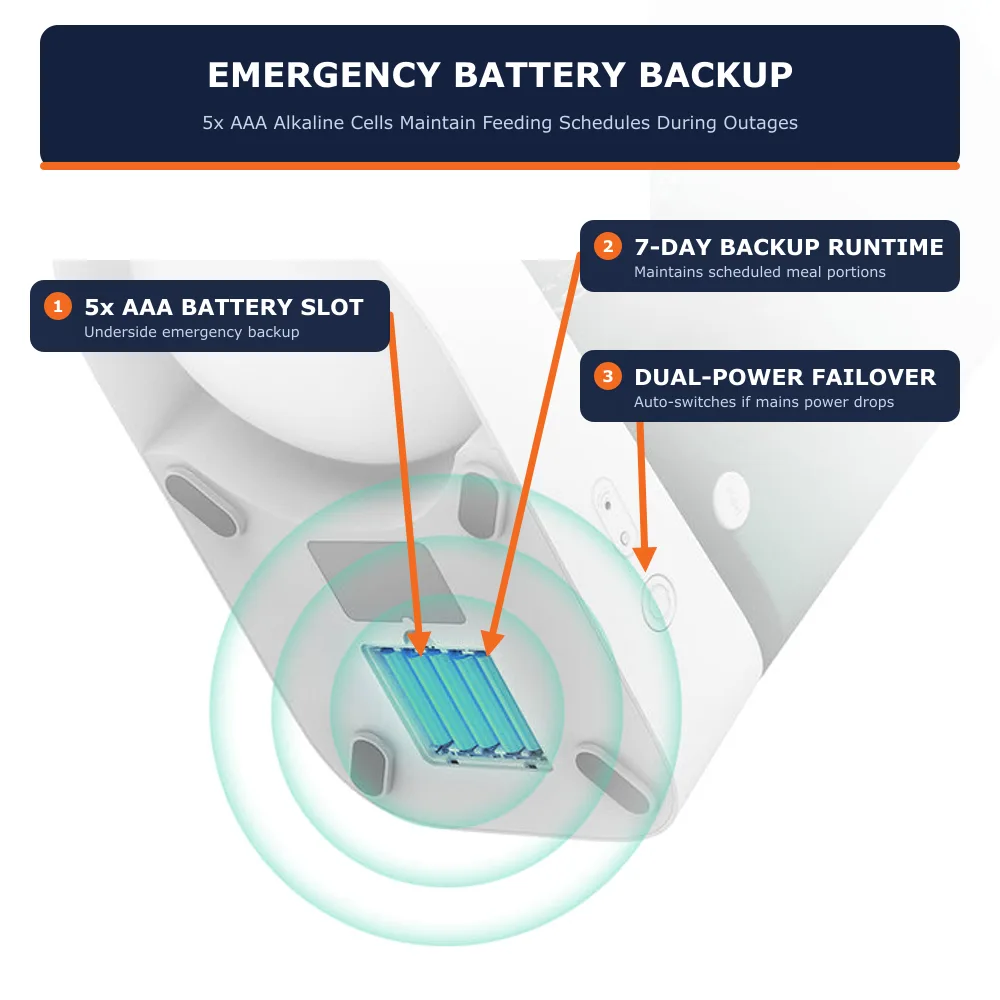
- It varies widely by model. PETKIT lists a 7-day backup for the Fresh Element Solo, and Petlibro says the Space feeder lasts over 3 days on battery. Petlibro’s Granary series runs offline meal schedules on 3 D-cell alkaline batteries without publishing a fixed day limit.
- Batteries are usually not included. You have to buy and install them before the outage, not during it.
- Features get switched off. On battery, Wi-Fi, vacuum sealing and some buttons are disabled to save power.
- Schedules usually keep running, but your router may be down too, so you may lose app control.
Published Battery Backup Times by Model
Here is how five widely used smart feeders handle battery backup, cell requirements, and power-saving failover:
| Model | Backup batteries | Published backup time | What changes on battery |
|---|---|---|---|
| PETKIT Fresh Element Solo | 5 x AAA alkaline (not included) | 7 days | Still dispenses on its schedule |
| Petlibro Space (PLAF107) | 4 x D alkaline (not included) | Over 3 days | Air pumping unavailable; food level detection only during feeding |
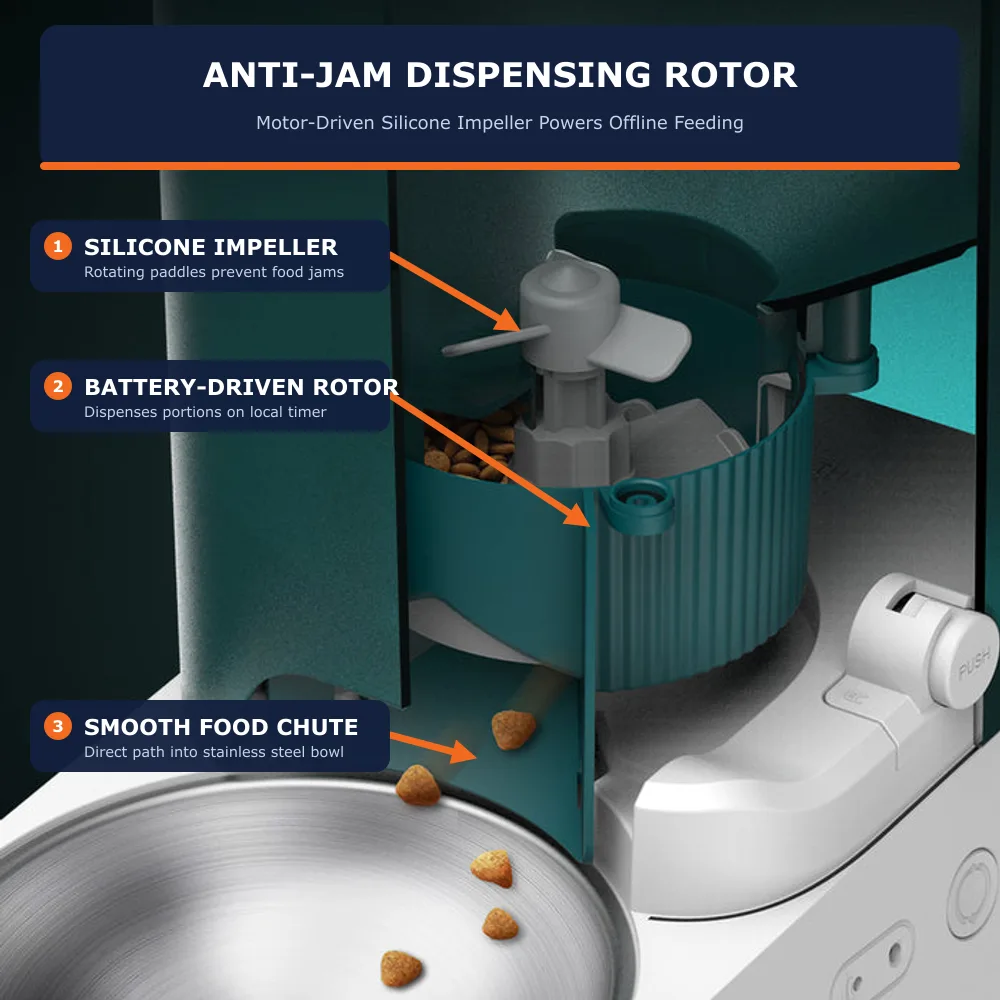
| Petlibro Granary Wi-Fi (PLAF103) | 3 × D alkaline (no rechargeables) | Multi-day emergency schedule retention | Wi-Fi, voice record, and reset buttons disabled; saved meals still dispense |
| Petlibro Granary Basic (PLAF005/006) | 3 × D alkaline (not included) | Multi-day offline schedule (replace every 6 months if unused) | LCD and scheduled rotor dispensing continue |
| Petlibro Polar Wet Food Feeder | 3 × AA alkaline (not included) | Up to 12 hours schedule memory (plan around 8 hours for food safety) | Semiconductor active cooling pauses without wall power |
Prices and specifications change, and regional listings can differ. Check your own manual for the exact battery type and count.
A Note on the Polar Numbers
Petlibro rates the Polar for 12 hours of lid-schedule continuation and 8 hours of outage protection: while 3 AA batteries keep the motorized tray rotating on time, the Peltier cooling plate requires wall power—so plan around the shorter 8-hour window for perishable wet food. The same page says the cooling system keeps food fresh for up to 72 hours, but cooling needs wall power, so a long outage is a food-safety concern for wet food, not just a feeding one.
Why Real Runtime May Differ From the Box
Rated backup durations assume fresh alkaline cells and light daily motor loads. In a real home, five factors shift actual runtime:
- Battery quality and age. Fresh alkaline cells last longer than old or cheap ones.
- Meals per day. More dispenses mean more motor use. A feeder set for six small meals works harder than one set for two.
- Portion size. Larger portions run the motor longer.
- Food type. Sticky or oversized kibble can make the motor work harder or jam.
- Temperature. Cold weather shortens alkaline battery life in general.
- Features left on. Models that disable Wi-Fi on battery do so for exactly this reason, per Petlibro.
Do not treat a brand figure as a guarantee. If you travel often, replace the backup batteries on a schedule and test the feeder by unplugging it for a day.
What Stops Working During a Power Outage
Wi-Fi and App Control
Even when a feeder keeps running, your router and modem may be off. Petlibro says the Granary Wi-Fi feeder disables Wi-Fi when running on batteries only. Expect no app commands, no camera view and possibly no alerts, though local meal schedules continue. When power returns, the feeder may need a moment to reconnect; if it does not, see our guide to fixing a feeder that shows offline.
Vacuum Sealing and Freshness Features
Petlibro says the Space feeder’s air-pumping function cannot be used in battery mode. If your feeder relies on powered freshness features, they pause during an outage.
Cooling in Wet Food Feeders
A wet food feeder like the Polar uses a cooling system that needs mains power. During a long outage the schedule may run while food sits warmer than normal, so check it as soon as you can and discard wet food that has been out too long.
How to Prepare Your Smart Feeder for an Outage
- Install the backup batteries now. An empty compartment does nothing. Use the exact type your manual specifies.
- Use alkaline cells, not rechargeables, where the manual says so. Petlibro states not to use rechargeable batteries in the Granary Wi-Fi feeder.
- Write the install date on a label inside the lid, and replace the batteries on a schedule.
- Test the backup. Unplug the feeder, set a feeding a few minutes ahead and confirm it dispenses.
- Set reasonable portions. Avoid scheduling very frequent meals just before a trip.
- Keep a plain manual option. Leave a gravity bowl of dry food as a fallback if your vet says it is suitable for your pet.
- Ask a neighbor or sitter to check on the pet for longer trips.
Backup Battery Cost and Maintenance Compared
| Approach | Pros | Cons |
|---|---|---|
| Built-in battery slot (alkaline) | Simple, no setup beyond installing cells | Cells age; you must remember to replace them |
| Rechargeable cells | Reusable | Some manuals forbid them; check first |
| Plug-in power bank or UPS | Can keep Wi-Fi and the router alive | Only works if the feeder accepts it and you buy the right unit |
| Two feeders | One failure does not stop all meals | Costs more and takes more space |
A small battery pack for your router and modem can keep the home network on, which matters if you rely on camera or app alerts. Our feeder, camera and fountain bundle guide covers setups for people who travel. Network issues after an outage are common, so keep our Wi-Fi band guide in mind if the feeder will not rejoin.
How Long Can a Cat Safely Go Without a Meal?
A healthy adult cat can usually miss a single meal, but long gaps are risky, and cats that stop eating for several days can develop a serious liver problem, so contact your vet if your cat refuses food. Safe fasting tolerance varies significantly with age, body condition, and underlying health. The practical point is to plan for the whole outage, not just the first few hours.
Choosing a Feeder Based on Backup Needs
- Look for a stated backup duration. A brand that publishes one is easier to plan around.
- Check what is disabled on battery. Wi-Fi, sealing and cooling are common casualties.
- Check battery type and cost. Five AAA cells and four D cells are not the same expense or replacement habit.
- Verify non-rechargeable rules. Many 1.5 V alkaline failover circuits reject 1.2 V NiMH rechargeables as ‘low battery’ early, which is why brands specify standard alkalines.
- Think about your outage risk. In a region with frequent short cuts, a few days of backup is plenty. If you travel for a week, plan a sitter as well.
Deciding between models? See our PETKIT YumShare vs Petlibro ONE RFID comparison, and whether you need an AI pet feeder at all.
The bottom line: backup time ranges from a few days to an unstated figure depending on the model, and the numbers are manufacturer claims. Install the batteries before you need them, expect Wi-Fi and some features to switch off, and test the backup once. Petmonik will update the table as brands publish more detail.
Frequently Asked Questions
How long does a smart feeder battery backup last?
It depends on the model. PETKIT lists 7 days for the Fresh Element Solo and Petlibro lists over 3 days for the Space feeder, while Petlibro Granary models use 3 D-cell alkalines to run offline schedules for multiple days.
Do smart feeders keep feeding during a power outage?
Most models with backup batteries keep running their saved schedule. Petlibro says the Granary Wi-Fi feeder disables Wi-Fi on battery but carries out meal schedules normally.
What batteries do smart pet feeders use for backup?
The PETKIT Fresh Element Solo lists 5 AAA alkaline cells, the Petlibro Space lists 4 D alkaline cells and the Polar lists 3 AA. None of them include the batteries.
Can I use rechargeable batteries in my feeder?
Check your manual. Petlibro says not to use rechargeable batteries in the Granary Wi-Fi feeder, and says batteries are for emergencies only.
Will my feeder still connect to the app during a blackout?
Probably not. Your router may lose power, and some feeders switch off Wi-Fi on battery to save energy. Local schedules can continue.
How can I test my feeder backup?
Install fresh batteries, unplug the feeder, schedule a feeding a few minutes ahead and confirm that it dispenses. Then plug it back in and check that it reconnects.