

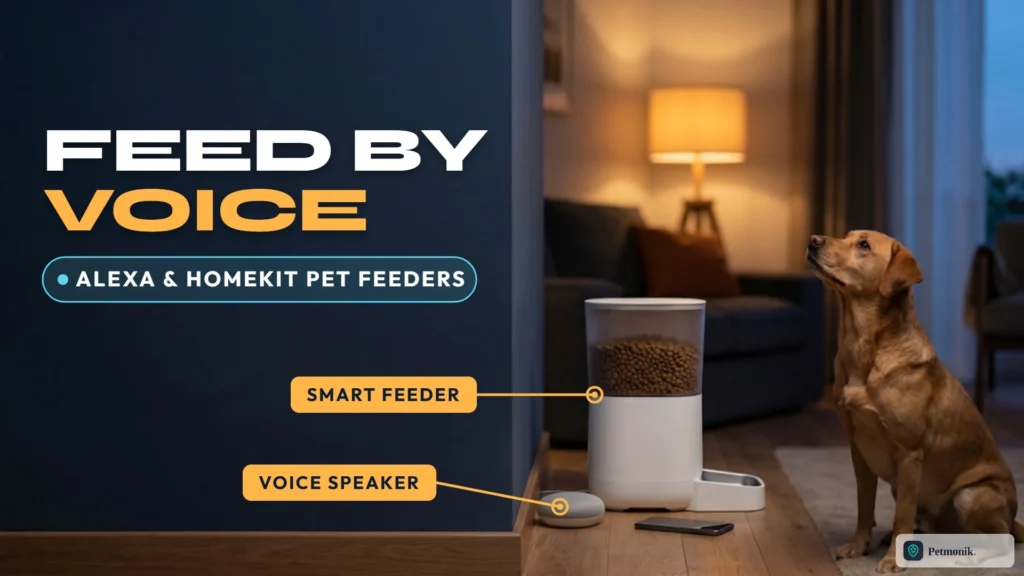
You are carrying groceries with both hands and your cat is yelling for dinner. “Alexa, feed the cat” should be a one-second fix, but pet feeders are one of the patchiest corners of the smart home. Some brands have an official Alexa skill, some work with Siri only through a workaround, and some have no official voice support at all. If you want an Alexa compatible pet feeder setup that works the first time, you need to know which of those you are buying. Below we map out native Alexa skills, Siri Shortcuts, and scene-based workarounds across PETKIT, Aqara, and Petlibro feeders, along with portion-step limits to know before you link your voice assistant.
Quick Summary: Voice Control for Smart Feeders
- PETKIT has an Alexa skill. You link your PETKIT account in the Alexa app and then say commands such as “Alexa, open Petkit, feed right now.”
- PETKIT supports Siri through Shortcuts, not native HomeKit.
- Aqara’s feeder is not natively HomeKit compatible, but triggers via Siri, Alexa, and Google Assistant through custom Aqara Hub scenes.
- Petlibro lacks official Alexa or HomeKit integration. Third-party community bridges exist, though they are unsupported.
- Voice feeding is for extra portions, not for replacing your schedule.
Which Smart Feeders Work With Alexa, Siri and HomeKit?
| Brand | Alexa | Siri / HomeKit | Notes |
|---|---|---|---|
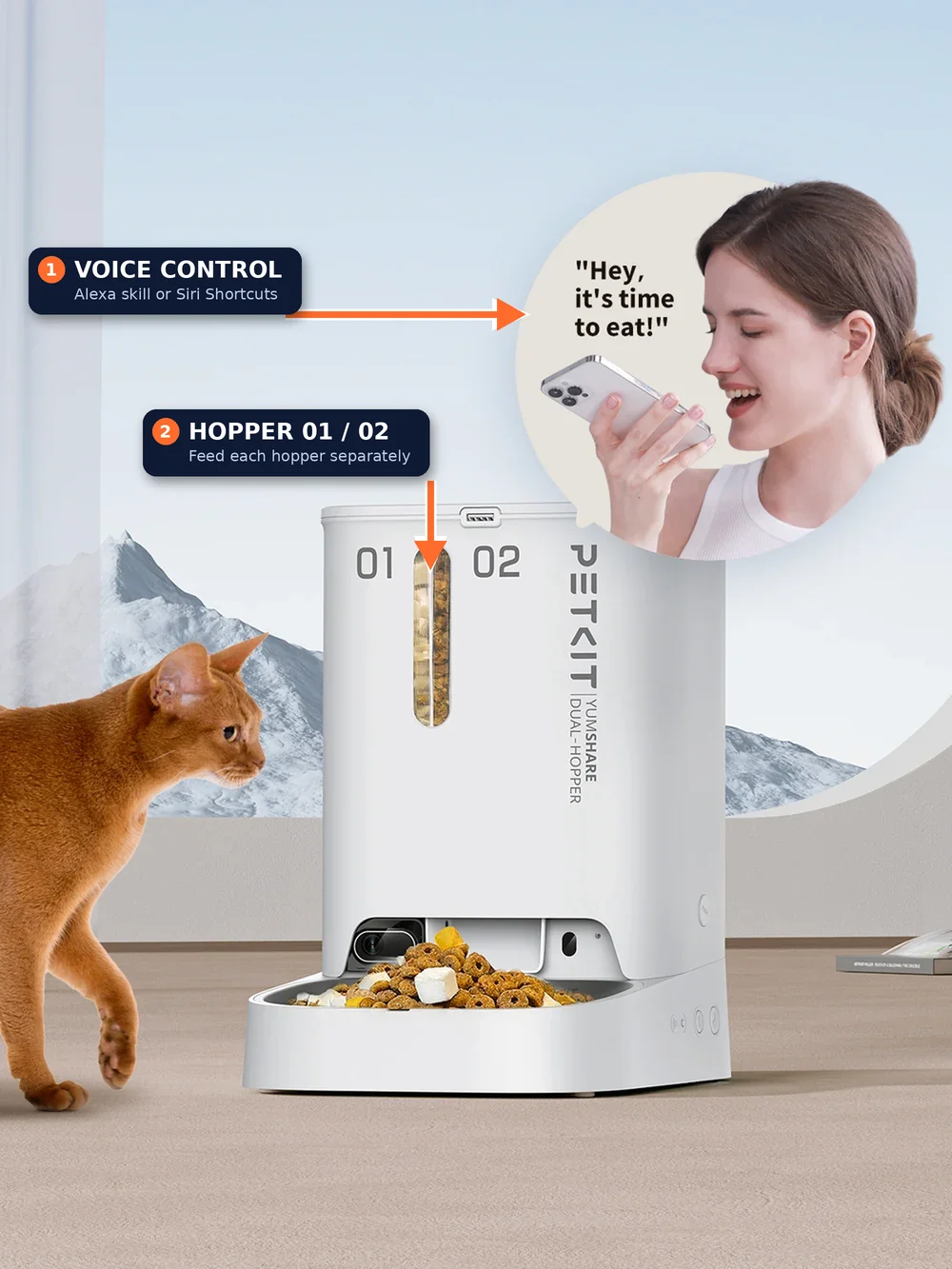
| PETKIT (Fresh Element, YumShare) | Yes, via the PETKIT skill; PETKIT says its smart feeders family supports it | Siri via Shortcuts (app 13.3.0 or later); not native HomeKit | Dual-hopper models can be controlled per hopper |
| Aqara Smart Pet Feeder C1 | Via custom Aqara Hub scenes | Not native HomeKit; triggers via Aqara scenes & Siri Shortcuts | Zigbee 3.0 (requires Aqara Hub); local schedule memory |
| Petlibro | No official Alexa skill | No native HomeKit or Siri Shortcut (unofficial Homebridge plugin only) | Controlled solely via the Petlibro mobile app |
Voice features change with app updates. Treat this table as a starting point and confirm in your brand’s app before you buy.
How to Set Up a PETKIT Feeder With Alexa
Make sure your feeder is already paired and online in the PETKIT app before linking Alexa.
- Open the Alexa app and go to Discover.
- Search for PETKIT and tap Launch when it appears.
- Log in with your PETKIT account on the Amazon account-linking page.
- Wait for the confirmation that PETKIT has been successfully linked.
- Try a command, such as the examples below.
Supported PETKIT Alexa Commands
- “Alexa, open Petkit, feed right now.”
- “Alexa, open Petkit, feed one-fifth cup at seven p.m.”
- “Alexa, open Petkit, feed hopper one one fifth cup and hopper two two fifth cups right now.”
Limits to Know
- Portions go in steps of one-fifth of a cup, which PETKIT puts at roughly 20 grams.
- Scheduled changes are limited to the same day, until 11:59 p.m.
- The feature is meant for extra, on-demand feeding, not for replacing your regular meal plan.
Because one-fifth cup is a big step for a small cat, think about it before you say “feed now.” If your pet is on a weight plan, see our guide to portion control for weight loss before you add voice-triggered extras.
How to Set Up Siri Voice Control for PETKIT
PETKIT says its Siri support runs through Apple’s Shortcuts, so it is not native HomeKit. According to PETKIT, you need an iPhone with Siri enabled and app version 13.3.0 or later.
- Open the PETKIT app and go to your feeder’s settings.
- Select Voice Control, then tap Add to Siri.
- Record your own phrase. PETKIT’s example for feeders is “Hey Siri, dispense food now.”
- Test it, then use the Shortcuts app if you want automations that run on a schedule or a condition.
Because it is a Shortcut, you can trigger it from a widget, a home-screen button or an automation too. That makes it less dependent on voice, which helps when you are somewhere noisy.
Aqara Pet Feeder: HomeKit and Alexa Through Scenes
Aqara’s Smart Pet Feeder C1 is not exposed as a native Apple HomeKit accessory type (since HomeKit lacks a pet-feeder device category), so voice control runs through custom scenes in the Aqara Home app that bridge to Siri, Alexa, and Google Assistant. It connects over Zigbee 3.0 through a compatible Aqara Zigbee 3.0 hub, holds a 4-liter hopper (about 3.7 pounds of dry kibble), and stores feeding schedules locally on the feeder.
Petlibro and Voice Control: What You Can Do
Petlibro does not offer an official Amazon Alexa skill, Google Home action, or Apple HomeKit integration. There is a community plugin, Homebridge Petlibro 2, that exposes Petlibro feeders and fountains in the Apple Home app. Its own documentation says it is unofficial, reverse-engineered, not affiliated with Petlibro, and subject to API changes without notice. It also warns that Petlibro allows only one logged-in device per account, and suggests creating a second account and sharing devices to it. Read Petlibro’s terms of service before you try it, and remember that you are giving a third-party tool your account login. Given the security reports we cover in our pet camera privacy guide, we would not use unofficial integrations on a camera feeder.
Common Problems With Voice Feeding
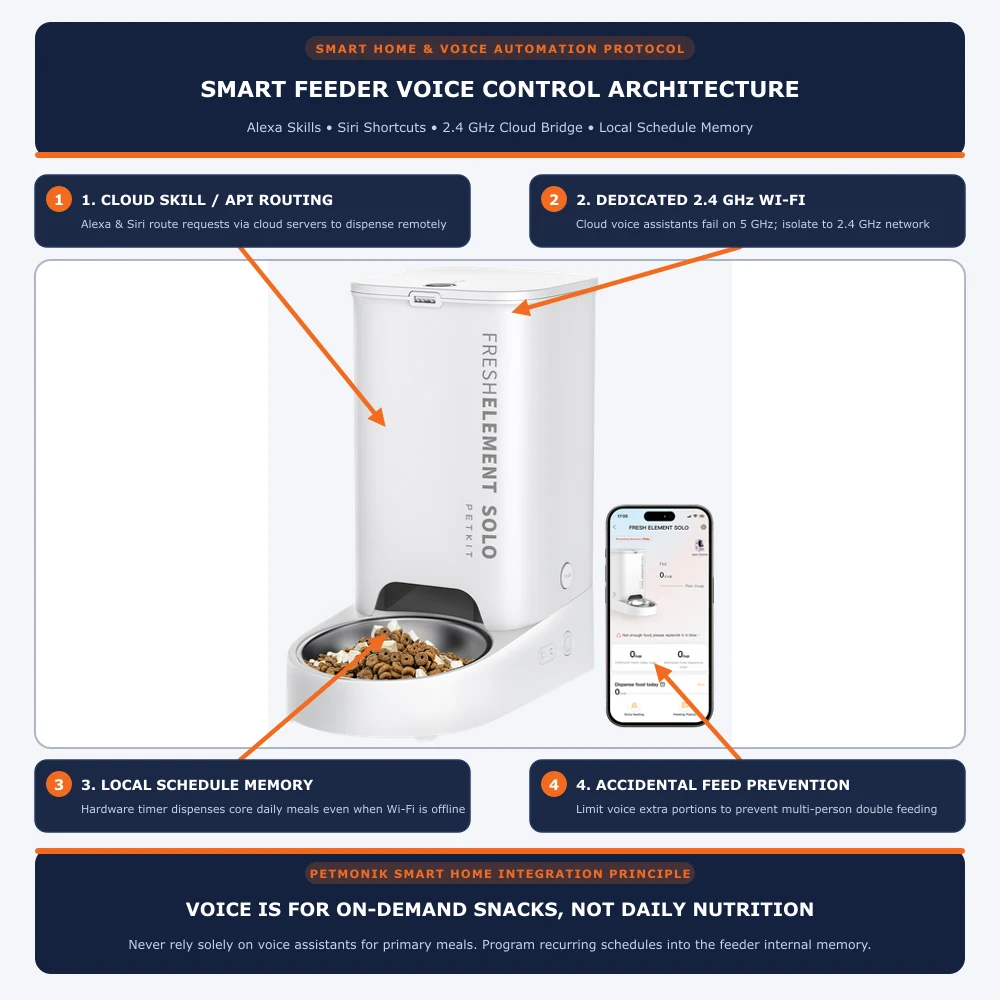
- Feeder offline. Voice commands go through the cloud, so a feeder that shows offline will not respond. See our feeder offline fix guide.
- Wrong Wi-Fi band. Some feeders only join 2.4 GHz networks; see our 5 GHz Wi-Fi guide.
- Account link expired. Unlink and re-link the skill in the Alexa app.
- Siri phrase not recognized. Re-record the phrase in the PETKIT app.
- Overfeeding. Several family members may trigger extra feeds. Agree on one rule.
- Power cuts. No Wi-Fi means no voice control; see our battery backup guide for what still works.
Is Voice Control Worth It?
| Use case | Voice control helps? | Why |
|---|---|---|
| Extra snack while hands are full | Yes | Hands-free and quick |
| Scheduled daily meals | No | Use the app schedule; voice is for extras |
| Pet on a strict diet | Use with care | Voice portions may be larger than your plan |
| Multi-cat homes | Limited | Voice cannot say which cat is eating |
| Travel | Not needed | Use the app and a camera |
If you are building a wider setup, our feeder, camera and fountain bundle guide covers what else to connect.
Choosing a brand for voice control? Our PETKIT YumShare vs Petlibro ONE RFID comparison and Petlibro RFID feeder setup guide cover two connected feeders in more detail.
The bottom line: if voice control matters, PETKIT is the one brand in this group with a documented Alexa skill and a documented Siri route. Aqara can work through scenes, and Petlibro relies on unofficial tools. Link the account, learn the portion step, and use voice for extras only. Petmonik will update this guide as brands add support.
Frequently Asked Questions
Which pet feeders work with Alexa?
PETKIT smart feeders work directly with Alexa through the official PETKIT skill, and Aqara’s C1 feeder triggers through custom Aqara Hub scenes. Petlibro does not offer an official Alexa skill.
How do I connect my PETKIT feeder to Alexa?
In the Alexa app, go to Discover, search for PETKIT, tap Launch, and sign in with your PETKIT account on the Amazon account-linking page. Then say, for example, “Alexa, open Petkit, feed right now.”
Are there HomeKit compatible pet feeders?
Apple HomeKit does not include a native pet-feeder device category, so smart feeders integrate via Siri Shortcuts (on PETKIT) or bridged hub scenes (on Aqara C1).
Can I control a Petlibro feeder with Siri or HomeKit?
Not officially. A community-built Homebridge plugin exists, though it is unaffiliated with Petlibro and can break whenever cloud API endpoints change.
How much food does an Alexa feed command dispense?
PETKIT says portions go in one-fifth cup steps, roughly 20 grams, and that the feature is meant for extra on-demand feeding rather than the main schedule.
Why will my feeder not respond to Alexa?
Check that the feeder is online, that the PETKIT skill is still linked in the Alexa app, and that your Wi-Fi band is supported. Then try the command again.